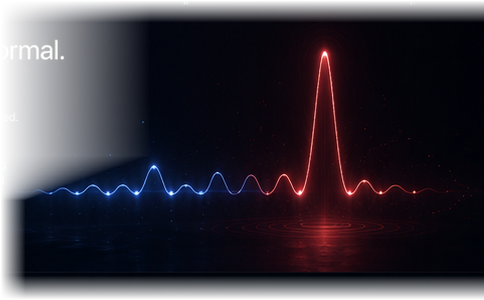
Mass download
Hundreds or thousands of files
downloaded in a short time.
THE FILE PULSE
TripWyre notices when something unusual is
happening around your files—and tells you
while it is happening.
It watches the activity.
Never the contents.
Google Drive. No software to install.
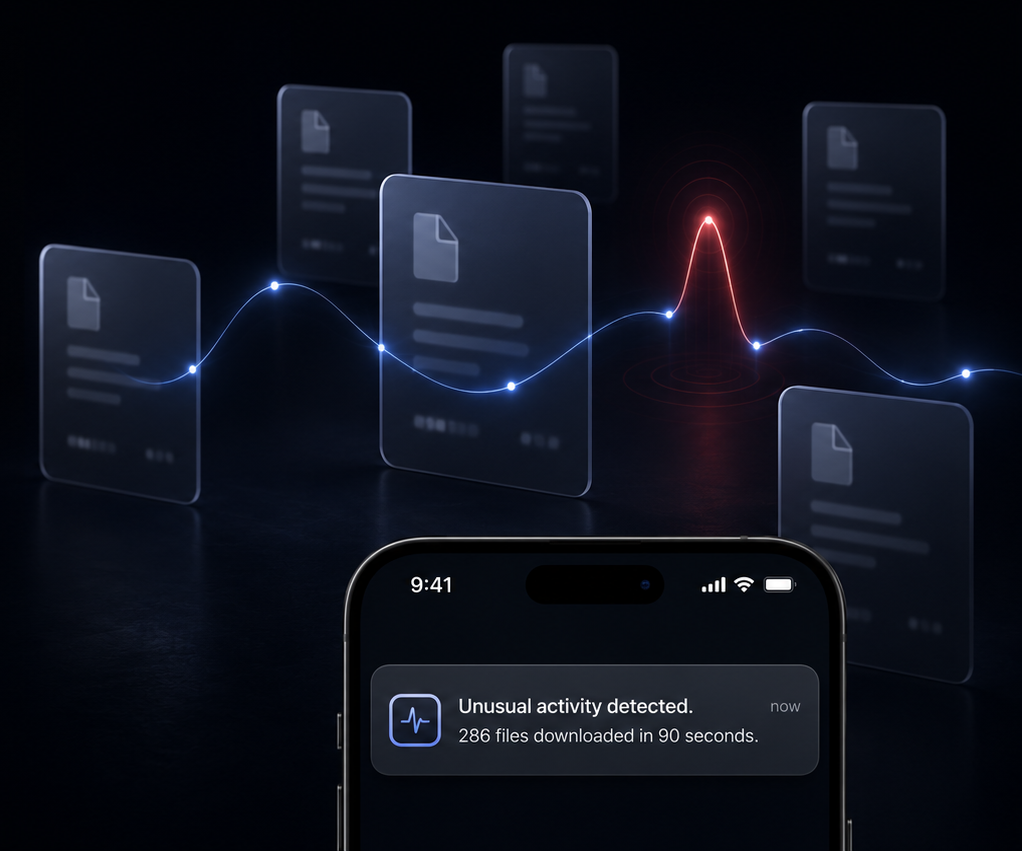
One document opened. Three photos shared.
A folder updated. Normal.
Then hundreds of files begin downloading
at once. TripWyre notices the change and
sends a clear alert to your phone while
it is happening.
TripWyre quietly learns your usual rhythm—when files move,
how quickly and in what patterns. When that rhythm suddenly breaks, TripWyre notices.
Hundreds or thousands of files
downloaded in a short time.
A sudden spike in edits, moves
or new file activity.
New or unfamiliar access to
your important files.
TripWyre watches activity around your files.
It never opens your documents. It never reads
your words. It never looks at your photos.
Most days, TripWyre says nothing.
No noisy dashboard. No technical clutter.
No stream of meaningless alarms.
Just one clear message when something
genuinely doesn’t fit.
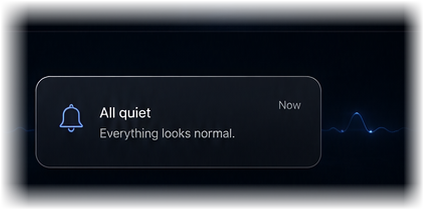
Use a normal secure
Google sign-in.
Every folder you have,
from the first minute.
TripWyre begins learning your
normal activity and quietly
watches for meaningful changes.
Everything, to start
Free for 21 days.
Every folder you have, watched.
No card. Nothing to cancel.
After that
A$9.95 a month.
Everything stays watched.
Cancel any time, in a click.
No jargon. Straight answers.
It doesn’t watch your files. It watches the activity list.
Google Drive already keeps a running record of what happens to your files — opened, edited, shared, downloaded, and by whom. TripWyre reads only that record. Think of a security guard in the lobby: they see who came in, when, and how much they carried out. They never open the envelopes.
No — and not just as a promise. When you sign in, Google asks you to grant exactly two permissions, both read-only: see your file names, and see your activity list.
Permission to open a file is never requested and never granted. It isn’t that we choose not to look inside your files. We can’t.
Three patterns that almost never happen by accident:
The moment you connect, TripWyre looks back over your last seven days of activity and works out your usual rhythm — how much happens in a typical hour and who normally touches your files.
That becomes your baseline. There’s no waiting period: you’re protected from the first minute.
A text message lands on your phone within seconds, in plain English, saying what it saw. Not an email you’ll find tomorrow — a text, while it is still happening.
It’s built to stay quiet. The alarm is measured against your normal rhythm, not a generic rule, and it won’t repeat the same warning over and over.
Most days TripWyre says nothing at all. That’s the point — when it does speak, you look.
Not today — and we’d rather say so plainly. TripWyre is a smoke alarm, not a fire door.
What it gives you is the thing people normally lack: knowing while it happens, instead of finding out weeks later. That’s the window in which you can change your password, remove a shared link, or make a call.
Nothing. There’s no app and no download. You sign in to Google in your browser and close the tab.
Because TripWyre watches from Google’s side, it keeps working whether you’re on a Mac, a PC or your phone — even when everything is switched off.
Nothing for the first 21 days — every folder you have is watched free, and we don’t ask for a card to start.
After that it’s A$9.95 a month to keep it. Nothing happens by surprise: we never take a card for the free 21 days, and the page you land on when you connect tells you the exact date your free period ends. Cancel any time, in a click — no phone call, no notice period.
Right now TripWyre watches Google Drive. Dropbox and OneDrive are next on the list.
Which one do you use? What people pick here is what we build next.
Thank you — we’ll email you once, when that drive works.
Still wondering something? Email max@mail.ricricho.com and a human will answer.
TripWyre watches the movement. You keep the privacy.
Start 21 days free